


Pediatric Emergency Medicine in Practice: An Innovative & Interactive Course for Real World Experience
Current Status
Price
Get Started
Course Credit
The following credits are available for this course:
| AMA PRA Category 1 Credits™ (MD, DO, NP, PA) | 19.25 hours |
| American Academy of Physician Assistants (AAPA) Category 1 CME Credits | 19.25 hours |
| Contact Hours (Nurse) | 19.25 hours |
(Note: a course evaluation is required to receive credit for this course.)
Overview
Join leaders in pediatric emergency medicine for a high-energy, hands-on learning experience designed to sharpen your clinical edge. Whether you’re an emergency physician, pediatrician, resident, fellow, PA, or NP, this course is built for clinicians who want to enhance their clinical practice.
Over two immersive days, you’ll move beyond passive learning into a dynamic mix of expert-led talks, interactive small-group cases, rapid-fire updates, high-fidelity simulations, and hands-on skill sessions—all with built-in time to connect with colleagues.
This isn’t just a conference—it’s an active, skills-focused experience designed to boost confidence, refine decision-making, and elevate care in high-stakes pediatric emergencies. Join us for an incredible educational experience!

In support of improving patient care, Boston Children’s Hospital is jointly accredited by the Accreditation Council for Continuing Medical Education (ACCME), the Accreditation Council for Pharmacy Education (ACPE), and the American Nurses Credentialing Center (ANCC), to provide continuing education for the healthcare team.
Physician
Boston Children’s Hospital designates this live activity for a maximum of 19.25 AMA PRA Category 1 Credits ™. Physicians should claim only credit commensurate with the extent of their participation in this activity.
Physician Assistant
Boston Children’s Hospital designates this live activity for a maximum of 19.25 AMA PRA Category 1 Credits ™. Physicians should claim only credit commensurate with the extent of their participation in this activity.
Nurse
Boston Children’s Hospital designates this activity for 19.25 contact hours for nurses. Nurses should only claim credit commensurate with the extent of their participation in the activity.
Disclosures
Boston Children’s Hospital adheres to all ACCME Essential Areas, Standards, and Policies. It is Boston Children’s policy that those who have influenced the content of a CME activity (e.g. planners, faculty, authors, reviewers and others) disclose all relevant financial relationships with commercial entities so that Boston Children’s may identify and resolve any conflicts of interest prior to the activity. These disclosures will be provided in the activity materials along with disclosure of any commercial support received for the activity. Additionally, faculty members have been instructed to disclose any limitations of data and unlabeled or investigational uses of products during their presentations.
The following planners, speakers, and content reviewers, on behalf of themselves, have reported the following relevant financial relationships with any entity producing, marketing, reselling, or distributing health care goods or services consumed by, or used on patients:
| Name | DISCLOSURES |
| Alex Hirsch | None |
| Ali Baker | None |
| Alli Georgadarellis | None |
| Ally Geanacopoulos | None |
| Andrew Capraro | None |
| Andy Fine | None |
| Andy Miller | UptoDate: Section Editor |
| Caitlin Farrell | Uptodate.com: Author royalties |
| Galina Lipton | None |
| Jenna Lillemoe | None |
| Jess Creedon | None |
| Josh Nagler | None |
| Joyce Li | None |
| Karen Dull | None |
| Kate Hunt | None |
| Katia Genadry | None |
| Katie Dorney | None |
| Kelsey Miller | None |
| Kyle Nelson | None |
| Marisa Brett-Fleegler | None |
| Mark Neuman | Wolters Kluwer: Editor |
| Matt Eisenberg | None |
| Meg Hannon | None |
| Mike Toce | Porto Law Firm: Consultant |
| Nathan Georgette | None |
| Rob Hoffmann | None |
| Sarah Cavallaro | None |
| Sarita Chung | None |
| Susan Lipsett | None |
| Todd Lyons | None |
| Vinny Chiang | None |
| Anita Thomas | None |
| Josh Belfer | None |
| Alex Vinograd | None |
| Regina Toto | None |
| Mike Hrdy | None |
| Becca Green | None |
| Jill Posner | None |
| Ellen Szydlowski | None |
| Jeff Neal | None |
| Elaine Chiang | None |
| Cynthia Gravel | None |
| Lise Nigrovic | Pfizer, Inc.: Research grant |
| Burkhard Simma | None |
Please see the FAQs below for common questions about how to work through a course. If you have a question or issue that is not addressed in the FAQ, please use this form to submit a help request, or if your issue is urgent, call the CME office at: 617-919-9908.
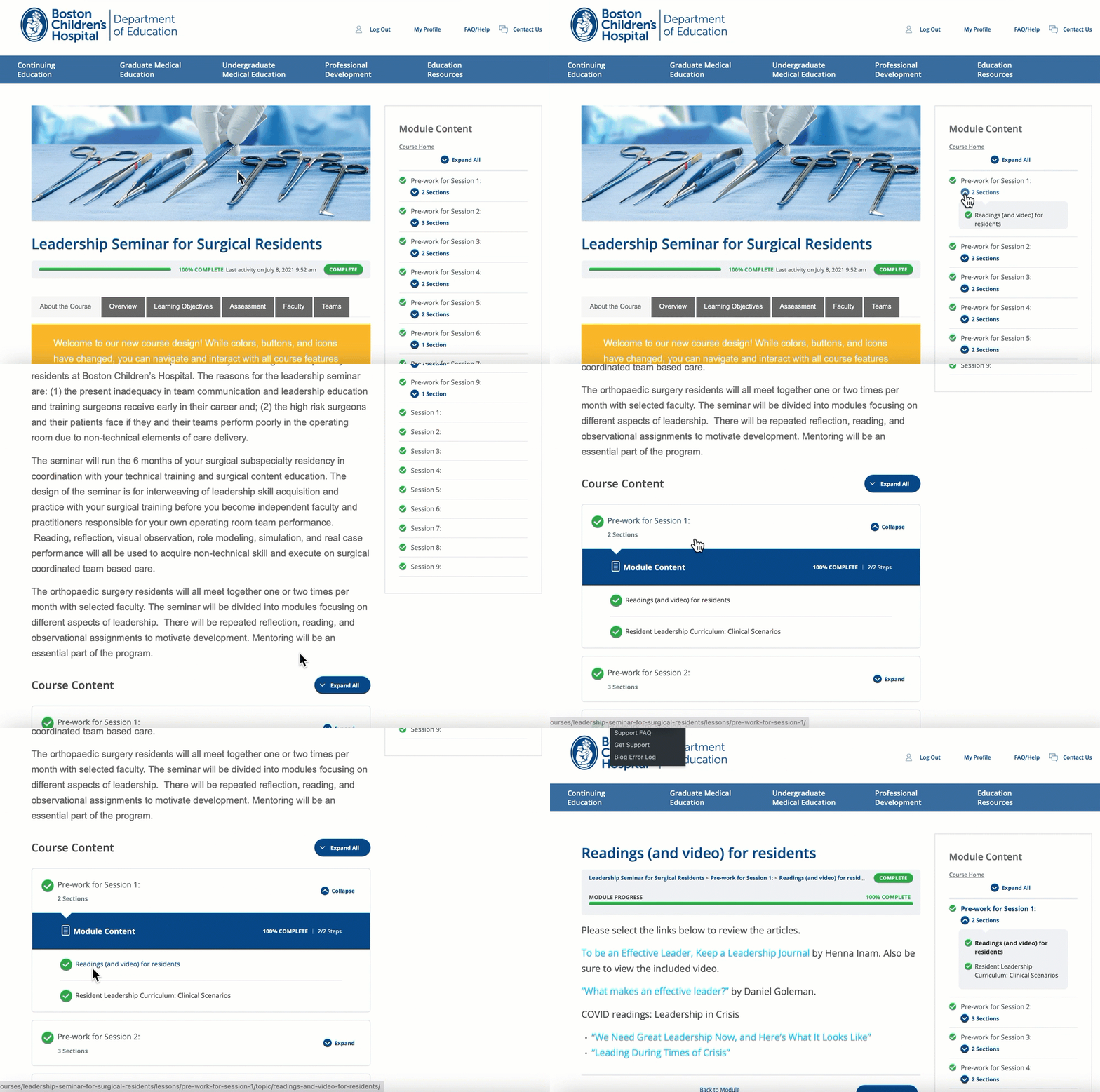
How do I navigate this course? There are two ways to access and navigate course content with the interactive table of contents: at the bottom of the main course page or in the sidebar on the right side of the page. Select the links in the table of contents to access the corresponding content. Depending on the course, access to content may be linear, in which case each content module or section can only be accessed if the prior ones are completed, or non-linear, in which case modules and sections can be accessed in any order. Use the breadcrumbs at the top of any course page to orient yourself within a course, or return to a previous course section or the main course page. How do I claim credit? If the course has been accredited, available credits will be displayed on the course home page. Select only those credits that apply to your profession, and click/tap “Apply Selection.” You may make your selection at any point while you are taking the course, or after you have completed it. How do I download a certificate? There are two ways to view/download your certificate: from within the course or from the course listing under your profile (select the document icon). In either case, you must have selected at least one available course credit type to generate a certificate. How do I view/print my transcript? You must be logged in to view your transcript. Select My Profile at the top of the page. If you do not see the transcript selector, be sure the Courses tab is selected. Select the type of credit and dates to include in your credit report. To include all credits from all time, leave the options blank. Select Download Transcript to view/download your transcript. Note each credit type in your transcripts starts a new page. How do I request a refund? Please email the CME Department to request a refund.How do navigate this course?
How do I claim credit for this course?
How do I download a certificate?
How do I view/print my transcript?
How do I request a refund?
